Invoice to increase the credibility of your company

For Legal Protection
An invoice serves as a legal record of the transaction, helping to resolve disputes and ensuring compliance with business laws.

For Seamless Financial Management
Invoices help businesses maintain accurate financial records, simplifying cash flow management and budgeting.

For Building Customer Trust
Providing a professional invoice enhances transparency, showing customers clear details about their purchase, boosting their confidence in your company.

For Business Analytics & Growth
Keeping track of invoices allows businesses to analyze sales patterns, track customer purchases, and plan for future growth.

Create unlimited invoices
Effortlessly generate invoices without any restrictions and streamline your business transactions. Whether you're a freelancer, small business, or large enterprise, having unlimited invoicing capability helps you stay organized and professional.
-

No Limit on Invoice Generation – Create as many invoices as needed without worrying about restrictions.
-
Customizable Invoice Templates – Personalize invoices with your brand logo, colors, and details.
-
Multiple Payment Methods – Include various payment options to make transactions easier for your clients.
-
Download & Share Easily – Instantly download invoices in PDF format or share them via email and WhatsApp.
-
Tax & Discount Management – Automatically calculate taxes, apply discounts, and generate detailed breakdowns.
invoice Analytics
Gain valuable insights into your business finances with powerful invoice analytics. Track payments, monitor outstanding invoices, and analyze revenue trends to make informed financial decisions. With real-time data, you can optimize cash flow and improve overall business performance.
-
Track Paid & Unpaid Invoices – Monitor pending payments and overdue invoices.
-
Revenue Insights – Analyze income trends and business growth.
-
Customer Payment Behavior – Identify frequent payers and late payments.
-
Tax & Expense Reports – Simplify tax filing with detailed reports.
-
Export & Share Data – Download analytics reports for better record-keeping.


Customers & Supplier Management
Efficient Customers & Supplier Management is essential for smooth business operations. An invoice software solution should provide a structured way to store, track, and manage customer and supplier details. This feature helps businesses maintain accurate records, track payment history, and streamline communication.
-
Customers Database – Store customer details such as name, contact info, and billing address.
-
Supplier Management – Maintain a list of suppliers with transaction history.
-
Payment Tracking – View outstanding payments and past transactions for each customer.
-
Automated Reminders – Send payment reminders to customers for due or overdue invoices.
-
Credit Limit Management – Set and monitor credit limits for customers.
-
Purchase & Expense Tracking – Keep track of supplier invoices and business expenses.
-
Import & Export Data – Easily import/export customer and supplier details in CSV/PDF format.
💳 Payment Tracking & Reminders
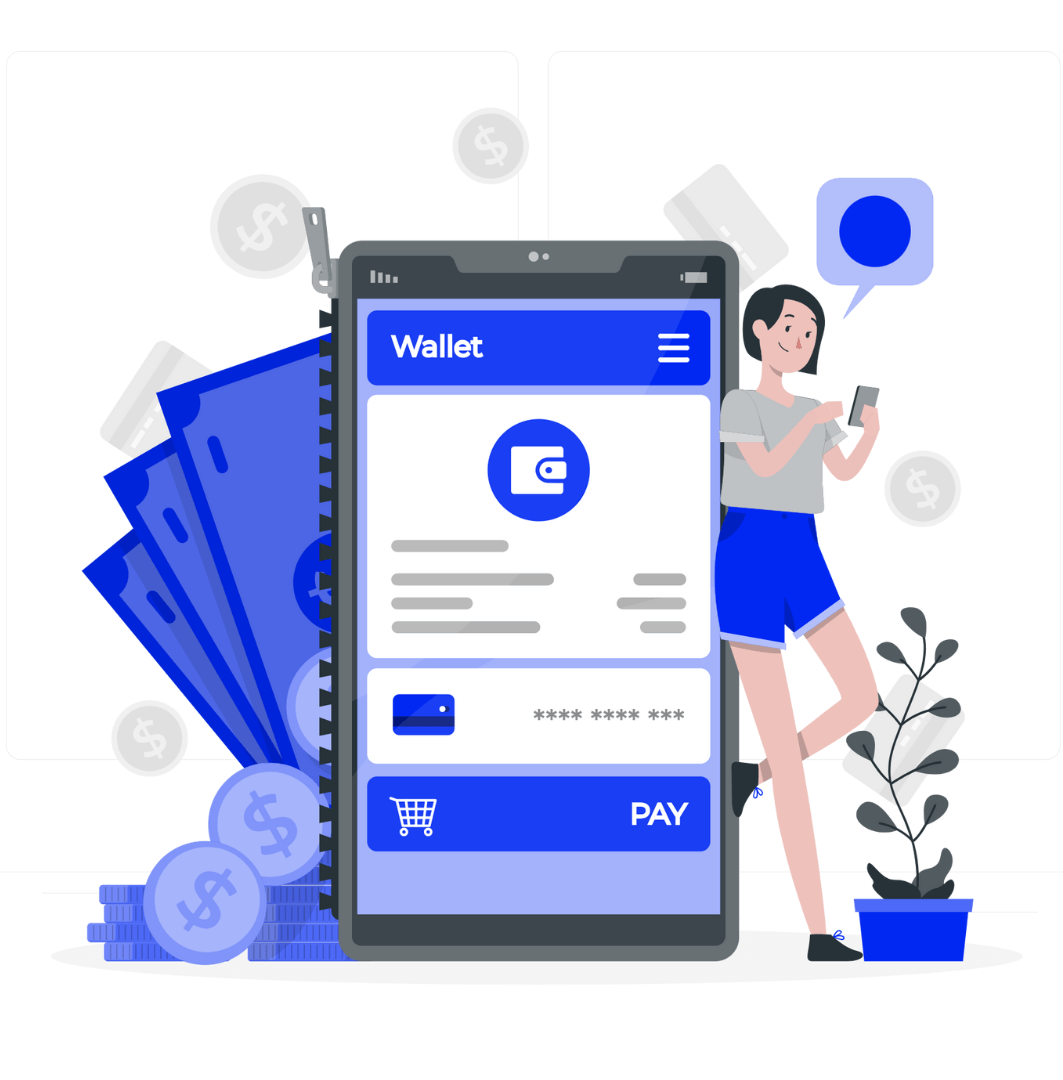
Managing payments efficiently is crucial for maintaining healthy cash flow in any business. The Payment Tracking & Reminders feature in an invoice software solution helps businesses monitor payments, track outstanding balances, and send automated reminders to customers. This ensures timely payments and reduces overdue invoices.
-
Real-Time Payment Status – Track pending, completed, and overdue payments.
-
Automated Payment Reminders – Send email/SMS notifications for due or late payments.
-
Multiple Payment Modes – Support for cash, credit/debit cards, online payments, and UPI.
-
Partial & Full Payment Support – Allow customers to make partial payments if needed.
-
Payment History & Reports – Maintain a detailed log of all transactions for better financial management.
-
Due Date Alerts – Set up alerts for upcoming payment due dates.
-
Integration with Payment Gateways – Connect with PayPal, Stripe, Razorpay, etc., for seamless transactions.
-
Receipts & Acknowledgments – Generate and send payment receipts automatically.
With Payment Tracking & Reminders, businesses can ensure faster payments, minimize losses, and improve cash flow management. 🚀
🏛 Tax & Compliance Management
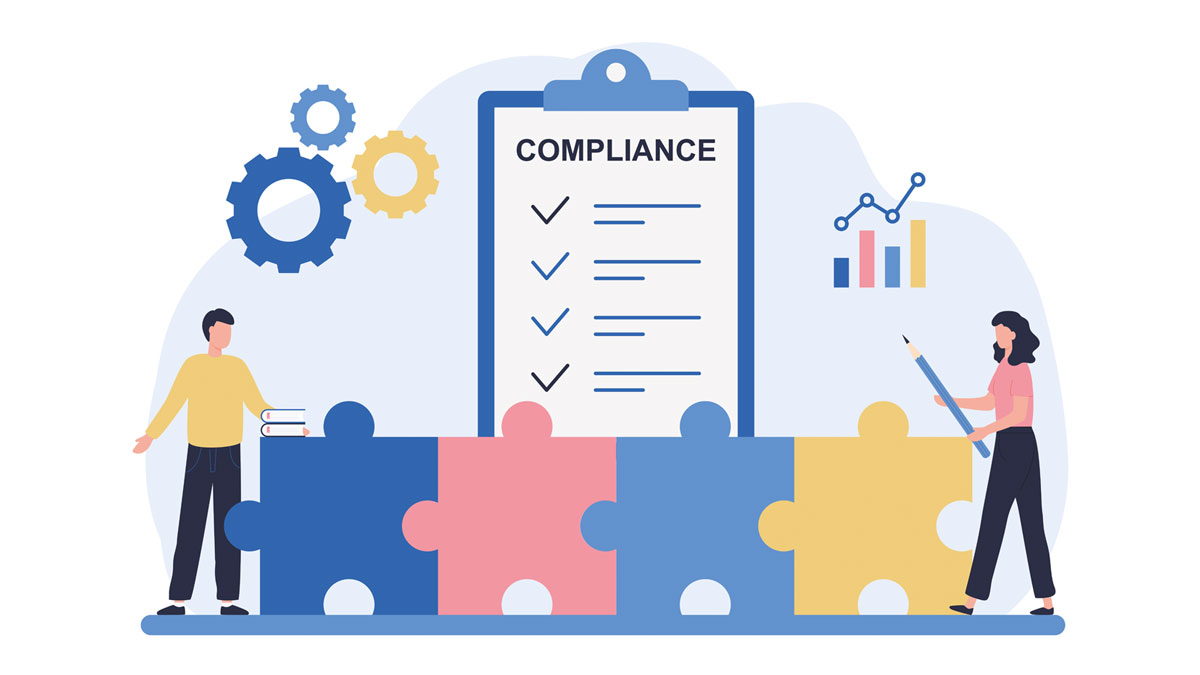
Managing taxes and staying compliant with regulations is crucial for any business. The Tax & Compliance Management feature in an invoice software solution helps automate tax calculations, generate reports, and ensure adherence to legal requirements. This reduces manual errors and simplifies tax filing processes.
-
Real-Time Payment Status – Track pending, completed, and overdue payments.
-
Automatic Tax Calculation – Apply GST, VAT, or any regional taxes based on predefined rules.
-
Multiple Tax Rates Support – Handle different tax rates for various products and services.
-
Tax-Inclusive & Tax-Exclusive Pricing – Flexibility to include or exclude tax in product pricing.
-
Tax Reports & Summaries – Generate tax reports for easy filing and audits.
-
Invoice Compliance – Ensure invoices meet government tax regulations.
-
E-invoicing Support – Generate legally compliant e-invoices where applicable.
-
Export Data for Filing – Download tax-related data in CSV or PDF formats for submission.
With Tax & Compliance Management, businesses can streamline tax calculations, reduce errors, and stay compliant with financial regulations. 📊✅
📦 Inventory & Product Management
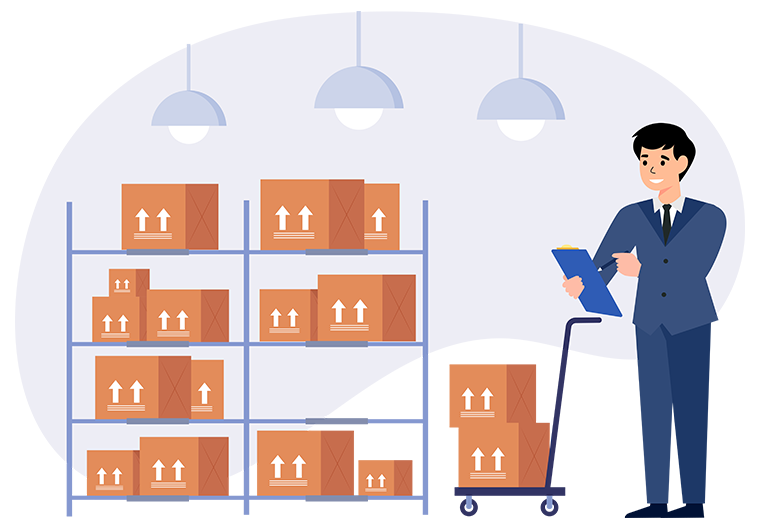
Effective Inventory & Product Management is essential for tracking stock levels, managing products, and ensuring smooth business operations. An invoice software solution with this feature helps businesses maintain accurate inventory records, prevent stock shortages, and optimize sales.
-
Real-Time Stock Tracking – Monitor inventory levels and get alerts for low stock.
-
Product Catalog Management – Add, update, and categorize products with details like SKU, price, and description.
-
Stock In & Out Management – Track stock movements, including purchases, sales, and returns.
-
Batch & Expiry Tracking – Manage product batches and expiration dates, ideal for perishable goods.
-
Barcode & QR Code Support – Scan barcodes for quick product lookup and stock updates.
-
Automated Reordering – Set reorder points to automatically generate purchase orders.
-
Multi-Location Inventory – Manage stock across multiple warehouses or store locations.
-
Detailed Inventory Reports – Generate reports on stock usage, sales trends, and inventory valuation.
With Inventory & Product Management, businesses can avoid stock issues, reduce losses, and enhance operational efficiency. 🚀

🔒 Security & Data Backup
Protecting business data is crucial in today’s digital world. The Security & Data Backup feature in an invoice software solution ensures that all financial records, customer details, and transaction histories are safe from cyber threats and accidental loss. With secure encryption and automated backups, businesses can operate with confidence.
-
Data Encryption – Protect sensitive information with advanced encryption techniques.
-
User Access Control – Restrict access based on roles and permissions.
-
Two-Factor Authentication (2FA) – Add an extra layer of security for logins.
-
Regular Automated Backups – Ensure data is backed up daily or at scheduled intervals.
-
Cloud Storage Integration – Store backups securely on cloud platforms for easy recovery.
-
Disaster Recovery Plan – Quickly restore lost data in case of hardware failure or cyberattacks.
-
Activity Logs & Audit Trails – Monitor user activities and changes made in the system.
-
Compliance with Security Standards – Adhere to industry regulations like GDPR, PCI-DSS, etc.
With Security & Data Backup, businesses can safeguard their financial records, prevent unauthorized access, and ensure uninterrupted operations. 🔐✅